Today I came in the morning wanting to start drafting and work on the PowerPoint deck for my upcoming workshop. I started to freeze and get moody when it came to paperwork preparation. As a consultant, the most time-consuming work besides looking for issues, workarounds, or solutions. The document preparation for upcoming meetings, it's also part of the frustration of being a consultant. (I'm not sure you're enjoy it, but for me it's a nightmare.)
Hook
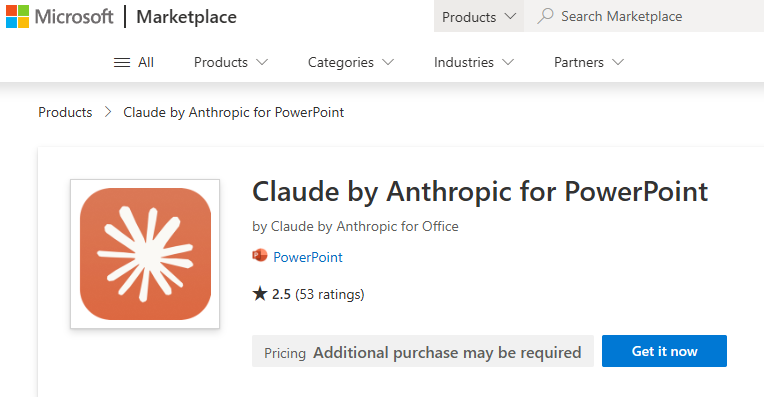
No doubt, standard templates can help—you just plug and play, take out, or input some content or topics you want to cover. But in the long run, it's still a time and effort investment. Additionaly, it's NOT billable hours to the client. That's why I explored it, and my lazy mind started to find AI. Grateful that I'm still an Anthropic Claude Pro subscription user, I found there's an interesting plugin in the Microsoft marketplace with the Claude plugin for PowerPoint.
Then a devil came to mind.
Hey! Use AI, dude—why build everything from scratch?
Okay, then I gave it a try. So in order to get the framework done, I definitely can't just give a simple prompt. I need to structure the pages I want. As a consultant doing workshops, we can't avoid these few key points. So below is what I came up with for the agent:
- Agenda page
- Overview
- Process flow
- List out the pages you want to cover (in each slide)
- Wrap up and summary
- Q&A
That's what I need above. Of course, different meetings may come with different agendas—that's up to us how we structure it.
Start to prompt
Once we have the full structure, second, I will detail what I need to tell on each page. So it's important that we let AI know what you want to deliver or show in each slide.
Example: For the process flow page, I will detail which process flow I need to draw. If you have an existing one, you can also share it and let Claude work on it.
Example: If the topic to discuss is worth it, provide some detail on the topic via URL or summary. It's also better if you can put in the questionnaire you want to deliver or ask during this topic.
The most important thing is that you are the presenter and the true host to run this and give AI know what you want to cover on which page, how the flow is going, and make this as you are the storyteller. And fit this into the prompt.
Theme and highlight
Sometimes we also can't just let AI build blindly—they're smart but need specifics. So theme color, layout size, and some icons or shapes we may miss. So keep it specific, like what theme color, font size, and header you want to apply. It's optional, but it's safe to save time on cosmetics later with the outcome.
Also, as a giveaway, try not to dump everything into a single prompt to work all at once. You can give an overview or high-level expectation of what you want to build the deck on. But when it comes to each page's content detail, perhaps you can chip the prompt later.
Let's say you build a framework with the theme color, size, everything, okay. Next, each page prompt in and ask for specific designs. After done with the process flow, next page is key topic 1, 2, and 3, follow accordingly.
End up—there's something you'll deliver as a result with some idea of how the deck is going to show for the coming meeting.
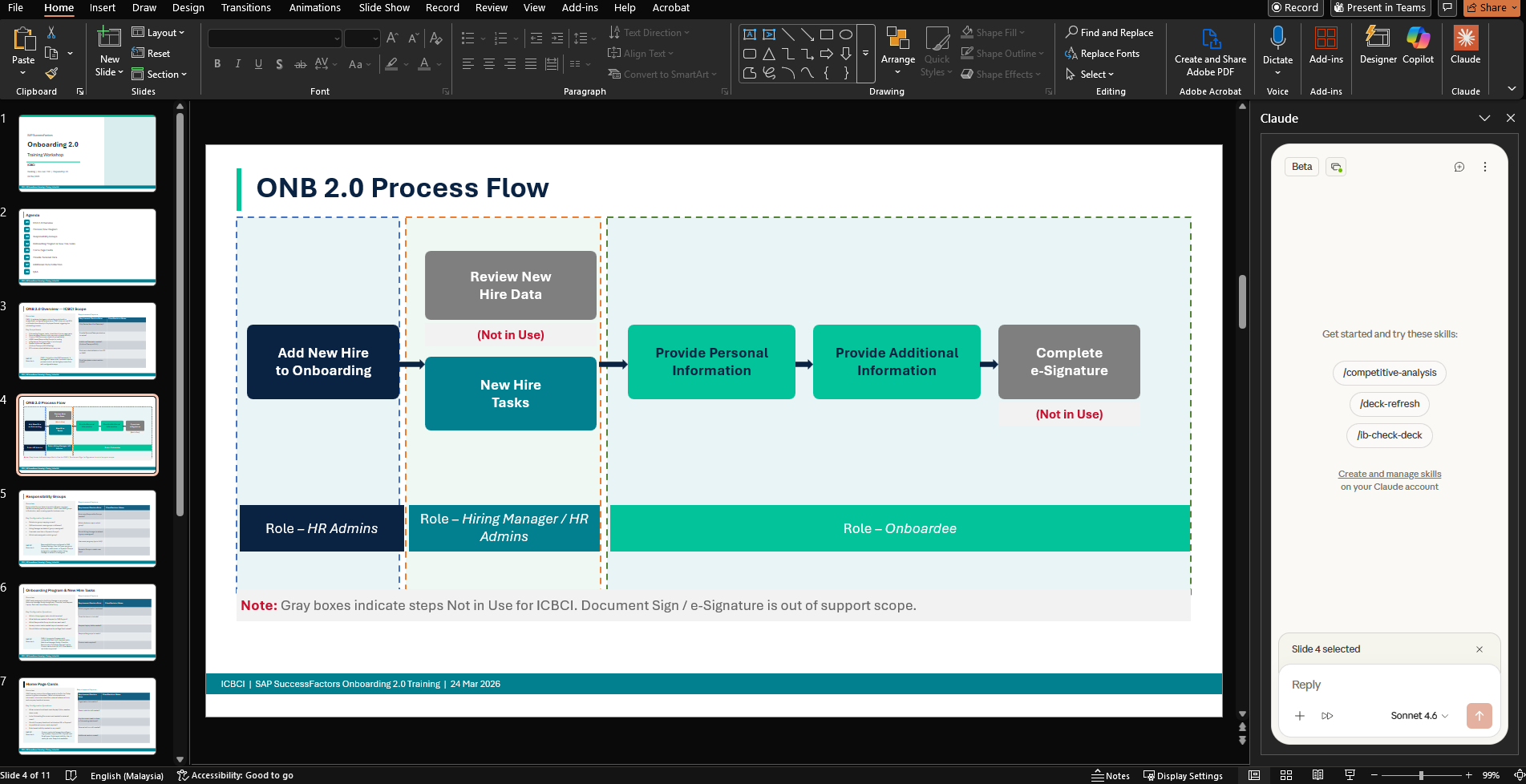
No doubt, not everything in the result is really up to expectation, but it really helps save tons of time. I don't need to spend a full day really looking into the deck. With the framework, I just plug in or plug out the topics I want, and with minimal time to get the paperwork done, we can focus on other priorities.
For sure, if you're in a big organization, you still need to get the branding team to review whether everything aligns with the company branding. Sometimes we just use the tools for the groundwork, but some legal and rules we may need to follow.
Hope this can help improve the productivity during your work.