The Incident Happened
I didn't build a product, but I rebuilt my laptop by diagnosing and fixing a failed hard drive with AI guidance. My Infinix Inbook X1 had stopped booting entirely mid-work call, and I was able to identify the root cause and restore it to working condition.
The Trigger Point
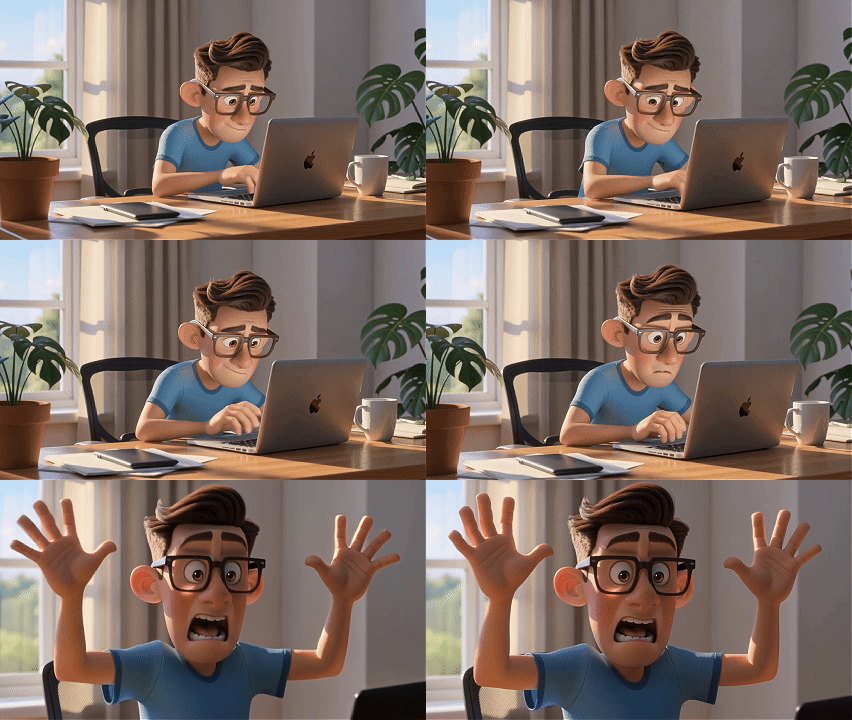
One day, as usual in my freelance work, my laptop completely failed while I was on a client call. I couldn't boot into Windows at all, which meant I couldn't work. I was frustrated and panicked because the meeting wasn't finished, but the laptop wouldn't let me continue. I did calm myself and switched to another device using my Microsoft 365 account to finish the call, but I needed to get my main laptop working again.
How It Works
I started by troubleshooting with Google AI (the AI mode in Google Search) and ChatGPT, searching for solutions to what I assumed was Windows corruption. They kept suggesting the same steps.
I tried this many times with different USB ports and recreated the ISO image using different formats like NTFS and FAT32, but the installation always got stuck at 6% and wouldn't proceed. At that stage, I never considered hardware failure.
Alternative AI
After a full day of failed attempts, I switched to Claude and gave it detailed context about what I'd already tried, my background, and exactly where the process was failing. Claude asked clarifying questions instead of just repeating steps. Then it made an unexpected suggestion:
My hard disk had likely failed with corrupt sectors, and I should try installing Windows 10 to see if it would progress past 6%.
I tried creating the Windows 10 installation image on a USB drive (five or six times I created the image), but it still got stuck at 6%, confirming Claude's diagnosis. The hard drive itself was failing, not the Windows installation. Claude told me straight:
Don't waste time troubleshooting—buy a new SSD. That's the only fix.
So in the end, I had to admit it, and I went to Shopee and purchased a new SSD. A day later, I installed it into the laptop and loaded Windows 11 onto the new drive. The installation completed successfully with no freezing at 6%. My laptop was fully restored and working again.
Infinix Revived
The installation went from getting stuck at 6% every single time to completing successfully on the first try with the new SSD. I went from a completely non-functional laptop to having a fully working machine that I could use for freelance work again.
In the end, I only spent RM 130 (about 32 USD) to get my laptop working. I literally saved a few thousand dollars by not having to buy a new laptop.
Key Takeaway
Different AI models gave me completely different quality answers. Google AI and ChatGPT kept recycling the same troubleshooting steps even though they weren't working. Claude, when given specific details about what I'd already tried and the exact error point, made the logical leap that this wasn't a software problem at all—it was hardware failure.
Despite having no hardware expertise and not being a technician, AI provided me with a clear diagnosis, step-by-step instructions, YouTube video links showing how to replace the hard drive, and enough confidence to handle the hardware repair myself. By working with AI guidance, I went from a non-technical user to someone capable of managing hardware assets and keeping my laptop running.
The real takeaway is that providing specific, detailed context about what you've already tried matters a lot. Sometimes the answer isn't trying harder with the same approach—it's recognizing when you need a completely different solution. And some AI models are better at making that leap than others.